




WINDOWS 10/11 PRO/HOME
Instructions for downloading the distribution from the manufacturer's server:
1. First you need to go to the official website https://www.microsoft.com/ru-ru/software-download/windows10 and click the "Download Tool Now" button.
2. Now we launch the downloaded program and agree with all the rules and click further until the moment where we are asked to select "What do you want to do?", Then you need to select "Create installation media"
3. Install the system to your computer using the provided media.
If the original distribution of Windows 10 Pro is already installed, simply activate with the purchased activation key.
4. if the system reports that the key is in use (error C004C008), select activation by phone (this is indicated in the product instructions)
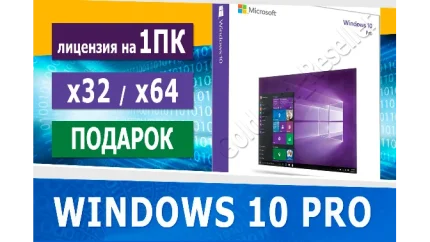
WINDOWS 10/11 PRO/HOME ONLINE Microsoft Partner


WoT (RU) from 15-20 Premium tanks – for 90 days

YOUTUBE PREMIUM 1 MONTHS INVITE TO YOUR ACC